Managing remote and field teams has become one of the defining challenges for HR professionals in today’s distributed work environment. When employees clock in from construction sites, client offices, delivery routes, or home workspaces, traditional timekeeping methods simply cannot keep pace. Paper timesheets invite inaccuracies, buddy punching erodes payroll integrity, and stationary punch clocks become irrelevant when your workforce never steps into a central office.
Why Modern Teams Need a GPS-Enabled Mobile Time Clock
The workplace landscape has fundamentally shifted. According to recent workforce studies, nearly 60% of companies now employ some combination of remote, hybrid, and field-based workers. Construction crews move between job sites daily, healthcare aides visit multiple patient homes, and sales teams operate across territories that span entire regions. This mobility renders traditional timekeeping infrastructure obsolete—a wall-mounted punch clock serves no purpose when your team never shares the same physical space.
Manual timesheets compound the problem by relying on employee memory and honesty, two factors that inevitably introduce errors. Studies consistently show that paper-based time tracking results in payroll discrepancies ranging from 1% to 8% of total labor costs, a figure that translates into thousands of dollars annually for mid-sized organizations. Buddy punching alone costs U.S. employers an estimated $373 million per year, as colleagues clock in for absent coworkers without any verification mechanism in place.
GPS-enabled mobile time clocks directly address these vulnerabilities. When an employee clocks in, the system captures their precise location and cross-references it against approved work sites, instantly verifying that the person is physically where they claim to be. This eliminates disputes about attendance, provides defensible documentation for labor law compliance audits, and gives HR managers a real-time dashboard showing workforce distribution across all active locations. For organizations subject to prevailing wage requirements or government contract regulations, this location-stamped record becomes an essential compliance tool rather than merely a convenience. The scheduling flexibility these platforms offer also allows managers to adapt shift assignments on the fly, accommodating the unpredictable nature of field operations without sacrificing accountability.
Evaluating Key Features: What to Look for in a Mobile Time Clock Solution
Selecting the right mobile time clock platform requires looking beyond basic clock-in functionality. The best solutions combine multiple verification layers, flexible management capabilities, and robust infrastructure that supports your organization as it scales. Here’s what deserves your attention during the evaluation process.
Ensuring Accuracy with Advanced Verification
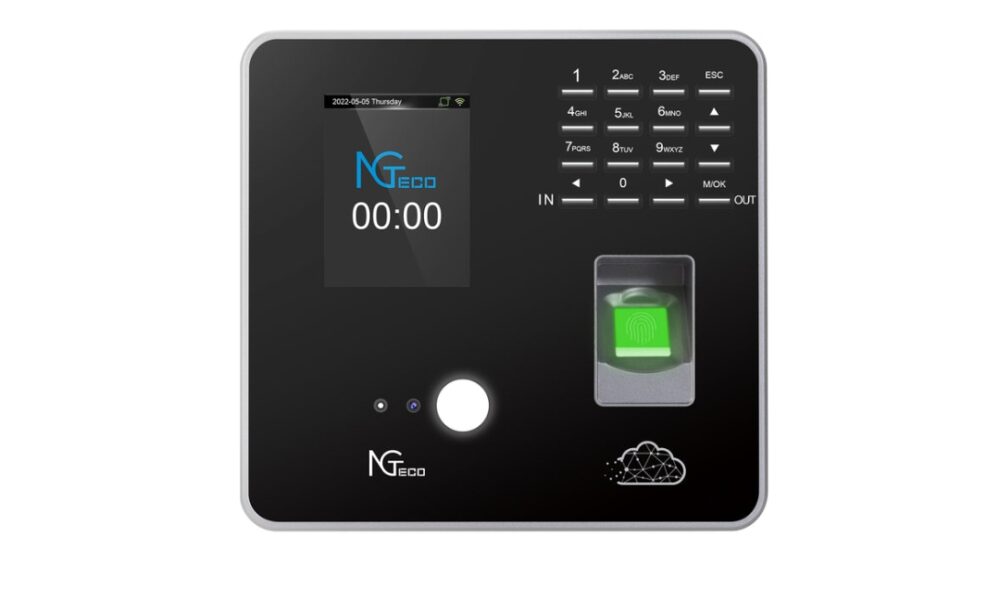
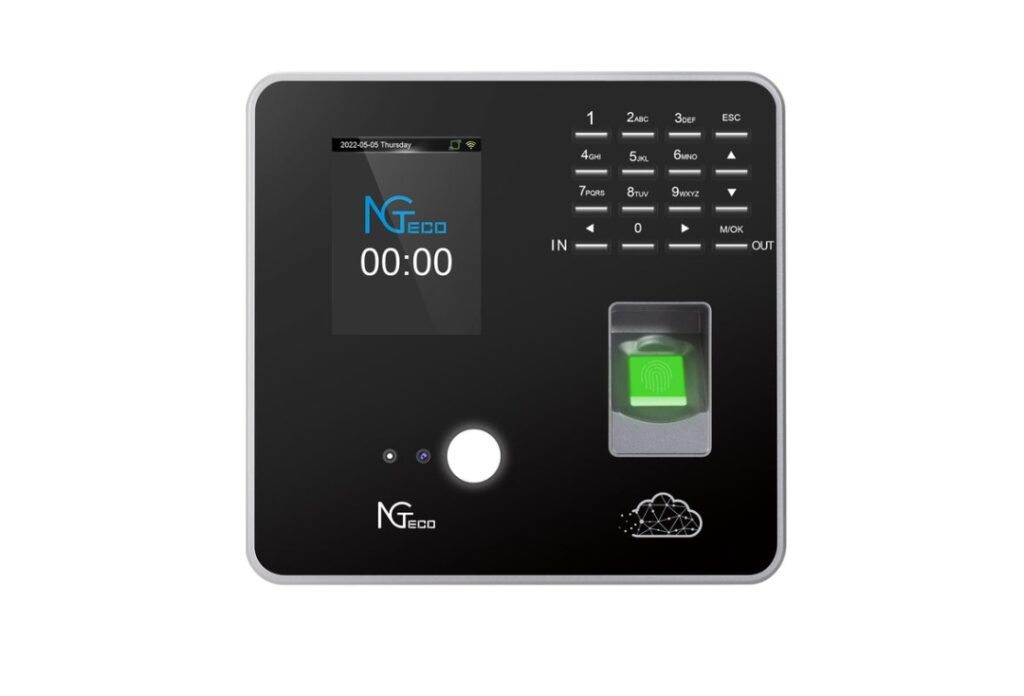
GPS geofencing serves as the foundational verification tool, allowing you to draw virtual boundaries around approved work locations so the system automatically flags or rejects clock-ins that occur outside designated zones. However, location data alone cannot confirm the identity of the person holding the phone. This is where fingerprint recognition becomes an essential secondary layer. Providers like NGteco, known for their biometric hardware solutions, have helped advance the reliability of fingerprint authentication in workforce management contexts. By requiring biometric authentication at the moment of clock-in, you eliminate buddy punching entirely—no employee can clock in on behalf of a colleague when the system demands a unique fingerprint match. This dual-verification approach addresses both the “where” and the “who” of attendance, giving HR managers confidence that every recorded entry represents a legitimate, verified work event. For teams operating in high-security environments or those subject to strict audit requirements, biometric verification transforms your time records from approximate estimates into legally defensible documentation.
Empowering HR with Flexible Management Tools
Field operations rarely follow predictable patterns, which makes customizable shift management a non-negotiable feature. Look for platforms that allow you to build complex rotating schedules, assign employees to multiple job sites within a single pay period, and configure distinct rules for different departments or locations. The system should handle PTO requests, shift swaps, and overtime thresholds without requiring manual intervention from HR staff. Managers overseeing diverse teams—some hourly, some salaried, some union-covered—need the ability to apply different scheduling logic and approval workflows to each group. A well-designed shift management module reduces the back-and-forth communication that typically consumes hours of a manager’s week, replacing email chains and spreadsheet updates with centralized, real-time schedule visibility accessible to everyone on the team.
Prioritizing Security and Long-Term Support
Time and attendance data contains sensitive employee information, making your storage infrastructure a critical evaluation criterion. Solutions built on secure AWS cloud storage provide enterprise-grade encryption both in transit and at rest, automatic redundancy across multiple data centers, and compliance with standards like SOC 2 and GDPR. This means your records remain protected against breaches, hardware failures, and natural disasters without requiring your IT team to manage physical servers. Equally important is the vendor’s commitment to lifetime technical support. Implementation is not a one-time event—your organization will onboard new employees, expand to additional locations, update payroll integrations, and encounter edge cases that require expert guidance. A provider offering dedicated, ongoing technical assistance ensures that your system evolves alongside your business rather than becoming an outdated tool that creates more problems than it solves.
A Step-by-Step Guide to Implementation
Understanding the features you need is only half the equation. Translating that knowledge into a successful deployment requires structured planning, disciplined execution, and strategic optimization. The following phases break the implementation process into manageable steps that minimize disruption while maximizing adoption rates across your organization.
Phase 1: Pre-Implementation Planning and Team Selection
Begin by defining clear project goals tied to measurable KPIs. Are you primarily targeting a reduction in payroll errors, faster timesheet processing, or improved compliance documentation? Quantify your targets—for example, reducing timesheet discrepancies by 90% or cutting payroll processing time by five hours per pay period. Next, assemble a cross-functional implementation team that includes an HR lead responsible for policy alignment, an IT representative who handles technical integration, and at least two field managers who understand daily operational realities. This team should review existing attendance policies and update them to reflect mobile clock-in expectations, including guidelines on when GPS verification is required, what constitutes an acceptable clock-in location, and consequences for policy violations. Before any technology is deployed, communicate the change to all employees. Frame the transition around fairness and accuracy rather than surveillance—emphasize that verified time records protect workers from underpayment disputes and ensure everyone receives credit for the hours they actually work.
Phase 2: Configuration, Testing, and Rollout
With policies finalized and your team aligned, move into system setup. Import your employee roster, organizational hierarchy, and job site addresses into the platform. Configure geofenced boundaries around each approved work location, setting appropriate radius thresholds that account for GPS signal variability—typically 100 to 300 meters depending on site density. Build your shift rules, including start-time windows, grace periods, overtime triggers, and approval workflows that route exception requests to the correct manager. Integrate the time clock with your existing payroll software to eliminate manual data transfer and reduce processing errors. Before launching company-wide, run a two-week pilot with a single team or department. Select a group that represents your workforce diversity—mixed shifts, multiple locations, varying tech comfort levels. Collect structured feedback on usability issues, GPS accuracy, and notification clarity. Address any friction points identified during the pilot, then conduct role-based training sessions for all employees. Managers receive instruction on dashboard monitoring and approval workflows, while field staff focus on the clock-in process, troubleshooting connectivity issues, and understanding location verification prompts.
Phase 3: Leveraging Premium Features for Maximum ROI
Once basic time tracking is running smoothly, activate premium features that unlock deeper operational intelligence. Enable detailed reporting analytics to identify labor cost patterns across projects, departments, or client accounts—this data reveals which jobs consistently run over budget and where scheduling adjustments could reduce overtime expenses. Configure automated overtime alerts that notify managers when employees approach threshold hours, allowing proactive schedule redistribution before costly overages accumulate. Implement project-level or department-level time allocation so employees can tag their hours to specific cost centers, giving finance teams granular visibility into where labor dollars flow. Set up automated compliance reporting that generates audit-ready documentation for prevailing wage requirements, union agreements, or government contract certifications without manual compilation. These advanced capabilities transform your time clock from a simple attendance tool into a strategic workforce management platform that continuously informs better scheduling decisions, tighter budget controls, and proactive labor planning.
Overcoming Common Implementation Challenges
Even the most carefully planned rollout will encounter resistance and friction. Anticipating these obstacles allows HR managers to address them proactively rather than reactively, keeping momentum strong throughout the transition.
Addressing Privacy Concerns and Gaining Employee Trust
GPS tracking inevitably triggers employee anxiety about surveillance overreach. The most effective countermeasure is radical transparency delivered before the system goes live. Clearly communicate in writing that location data is captured only at the moment of clock-in and clock-out—not continuously throughout the workday. Publish a straightforward data use policy explaining exactly who can access location records, how long they are retained, and under what circumstances they might be reviewed. Frame the technology around mutual benefit: accurate GPS-verified records protect employees from wage disputes, ensure they receive proper compensation for travel between job sites, and create an objective record that eliminates favoritism in attendance enforcement. When workers understand that the system holds everyone to the same standard and simultaneously safeguards their earnings, resistance typically diminishes. Invite questions during town halls or team meetings, and designate a point person employees can approach confidentially with concerns.
Ensuring Technology Adoption Across the Team
Workforce diversity in age, tech literacy, and language creates adoption gaps that training alone cannot bridge. Design your training program in role-specific tiers: field employees need a focused five-minute walkthrough covering clock-in, clock-out, and what to do when GPS signal is weak, while supervisors require deeper instruction on approving exceptions and reading dashboard alerts. Supplement live sessions with short video tutorials and laminated quick-reference cards that employees can keep in their vehicles or toolboxes. Establish a dedicated support channel—whether a Slack group, text hotline, or designated office hours—where workers can get immediate help during the first 30 days. Most critically, choose a platform with an intuitive interface that minimizes the number of taps required to complete a clock-in. When the process feels as simple as unlocking a phone, adoption barriers fall away regardless of an employee’s comfort level with technology.
Measuring Success and Optimizing Your Time Clock System
Implementation without measurement is merely a leap of faith. Within the first 30 days of full deployment, establish a review cadence that examines your original KPIs against actual performance data. Compare payroll error rates before and after launch—most organizations see discrepancies drop by 80% or more within the first two pay cycles. Track timesheet submission rates to confirm that employees are consistently using the mobile app rather than reverting to manual workarounds, and flag any departments where adoption lags behind the company average for targeted follow-up.
Beyond basic compliance metrics, mine the system’s reporting dashboard for operational insights that inform smarter labor decisions. Analyze clock-in patterns to identify chronic late starts at specific job sites, which may signal scheduling mismatches rather than employee negligence. Review overtime accumulation trends by team and project to determine whether certain managers consistently under-staff shifts, driving preventable labor cost overruns. Geographic data can reveal inefficient workforce distribution—if employees regularly clock in at sites far from their home base, route optimization or reassignment may reduce both travel time and fatigue. Schedule quarterly optimization reviews where your implementation team evaluates whether geofence boundaries need adjustment, whether new job sites require configuration, and whether shift rules still align with evolving business needs. Treat your time clock system as a living platform rather than a static tool. Each quarter’s data should directly shape the next quarter’s scheduling strategy, creating a continuous improvement loop where workforce management becomes progressively more precise, cost-effective, and responsive to operational realities on the ground.
Building a Foundation for Transparent and Efficient Workforce Management
Implementing a mobile time clock app with GPS represents more than a technology upgrade—it fundamentally reshapes how organizations manage, verify, and optimize their workforce operations. The journey from paper timesheets and honor-system attendance to GPS-verified, biometrically authenticated time records eliminates the costly inaccuracies that have plagued HR departments for decades. Payroll discrepancies shrink dramatically, buddy punching becomes impossible, and compliance documentation generates itself automatically rather than consuming hours of manual effort.
The organizations that achieve the greatest return from this transition are those that select solutions built on comprehensive capabilities: fingerprint recognition that guarantees identity verification at every clock-in, customizable shift management that adapts to the complexity of real-world scheduling demands, secure cloud infrastructure that protects sensitive data indefinitely, and dedicated technical support that ensures the platform grows alongside the business. These features collectively transform attendance tracking from an administrative burden into a strategic asset that continuously reveals opportunities for smarter labor allocation and tighter cost control.
As workforces become increasingly mobile and distributed, the gap between organizations using verified digital timekeeping and those clinging to outdated methods will only widen. Embracing GPS-enabled time tracking today positions your team for transparent, fair, and efficient workforce management that serves both organizational goals and employee interests equally—building the foundation for accountability without sacrificing trust.