
Share
Share
Share
Share
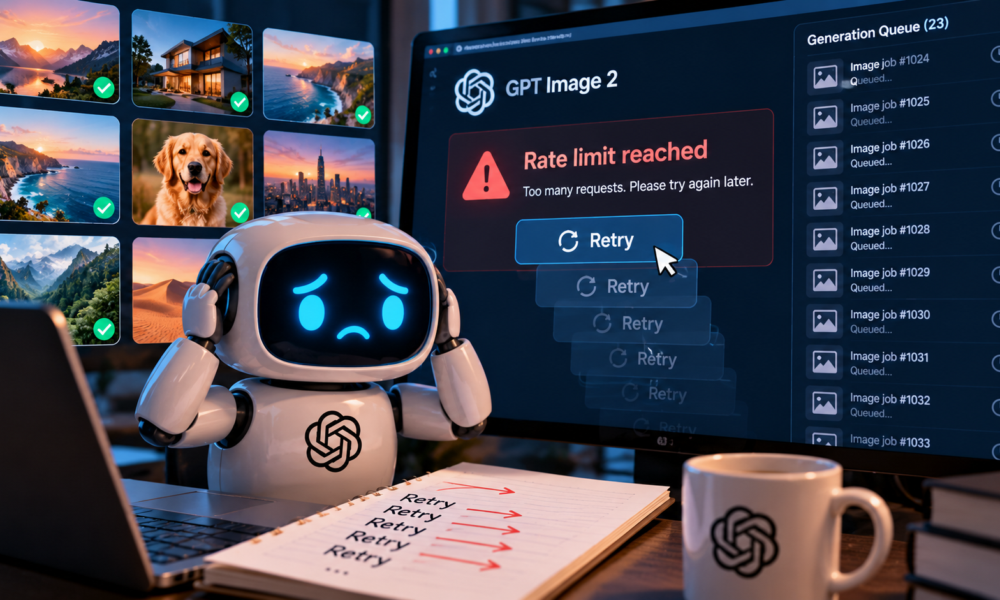
An image queue can look healthy until several jobs finish planning at once and all submit their requests together. A few succeed, the rest return errors, and an eager retry loop creates another burst. GPT Image 2 rate limits are easier to handle when the queue controls when a request begins, rather than letting every failed worker decide for itself.
Start by reading the actual error and the account’s current limits. An image-per-minute restriction, a token limit and an exhausted spending allowance are different conditions. A pause can help with a temporary rate limit; it cannot replenish a billing balance.
Read the GPT Image 2 rate limit you actually hit
Keep the provider, endpoint and exact model identifier with each GPT Image 2 job. Limits published for a vendor’s direct API do not automatically describe a gateway, and the model name alone cannot tell you which account policy applied.
OpenAI’s model documentation lists both token-per-minute and image-per-minute limits by usage tier. Those dimensions should be checked together. A queue that respects the image count could still exceed the applicable token allowance for its requests.
Record the response status, error code and any retry guidance. Avoid storing credentials or full private inputs in diagnostic logs. Usually the job identifier, timestamp, route, relevant usage and sanitized error details are enough to establish what happened.
Do not classify every failed generation as a rate-limit event. Invalid parameters, unavailable models and rejected inputs call for their own handling. Retrying an unchanged invalid request just produces more failed work.
For a temporary 429, OpenAI’s current guidance says to respect a valid Retry-After delay when supplied. When no usable server delay is available, it recommends exponential backoff with jitter. It also notes that unsuccessful requests can contribute to per-minute limits. Those details explain why immediate repeated submissions can prolong the problem.
Let the queue control the next request
Keep waiting jobs in one place and allow a bounded number to begin. A concurrency limit controls how many requests are in flight; pacing controls how quickly new ones start. They solve related but different problems. One long-running request and a burst of short ones can produce very different traffic patterns under the same concurrency setting.
Suppose a small service has ten pending images. This is an illustrative queue, not a measured capacity claim. Each job should have a stable identifier and a visible state such as waiting, running, completed or failed. The scheduler decides when the next waiting job may start according to the limits of the actual route.
When a rate-limit response arrives, preserve the job and its earliest eligible retry time. Add a small randomized delay where appropriate so multiple workers do not all wake up at the same instant. Bound both the number of attempts and the total waiting time; an indefinite retry loop is difficult for a user to distinguish from a lost task.
Check whether the SDK already retries. An application loop around an SDK loop can multiply submissions unexpectedly. Choose where retry policy belongs and account for any retries beneath it. A timeout on each attempt is also different from a deadline for the complete job.
Give users an honest status. “Waiting to retry after a temporary limit” explains more than a spinner that never changes. Include a way to cancel waiting work if the product supports cancellation, and make sure a canceled job cannot quietly re-enter the queue.
Recover the job without generating it twice
A lost response does not always mean the provider did no work. Treat an uncertain timeout differently from a clear rejection before processing. Use the service’s documented request or task lookup facilities where available before deciding to submit another generation.
Keep completed results even when other jobs fail. If seven images are already saved, retrying the entire ten-image set creates unnecessary work and can produce inconsistent replacements. Recovery should target the unresolved job, with its original input and intended output still identifiable.
For an implementation review, Claude Opus 5.5 can help inspect queue code against a written set of cases. Include a temporary limit, a billing error, a timeout with uncertain completion and a user cancellation. A model’s review is a starting point; execute those cases in an isolated test environment before relying on the behavior.
Measure waiting separately from generation
Record how long a job waits for permission to start and how long the provider takes after submission. Otherwise a queue backlog can be mistaken for slow model inference, leading to the wrong fix.
Watch retry counts alongside successful output. A system that eventually completes every job but repeatedly resubmits them may still have a scheduling problem. Keep enough information to distinguish deliberate retries from accidental duplicate starts.
Recheck limits when the provider, account tier or model route changes. Configuration should identify which policy it represents. A number copied into code months ago can outlive the account conditions that made it appropriate.
Handling GPT Image 2 rate limits well means controlling demand at the point of submission, keeping completed work and making unresolved states visible. The queue should become quieter after an error, with a known next action, rather than creating another burst of the same requests.
SEO Title: GPT Image 2 Rate Limits: Build a Queue That Recovers Without a Rush
Excerpt: Handle GPT Image 2 rate limits with error types, paced submissions and bounded retries. Preserve completed images and distinguish waiting from generation time.
Meta Description: Handle GPT Image 2 rate limits with error types, paced submissions and bounded retries. Preserve completed images and distinguish waiting from generation time.
Tags: GPT Image 2, rate limits, request queue, retry backoff





