Share
Share
Share
Share
Employee onboarding is often viewed as an HR responsibility, but the IT team plays an equally important role in making sure new employees can become productive from day one. A successful onboarding process requires more than creating an email account and handing over a laptop. IT teams need to prepare hardware, software, access permissions, security controls, and documentation while ensuring that every asset assigned to an employee can be tracked.
As organizations become increasingly dependent on cloud applications, remote work, and distributed teams, a structured IT onboarding process has become essential. Without one, even a small company can encounter delays, security gaps, missing equipment, and unnecessary software costs.
Why IT Onboarding Needs a Structured Process
A new employee may require several resources before they can begin working effectively. Depending on their role, this could include a laptop, monitor, mobile device, security key, business applications, SaaS accounts, VPN access, and permissions for internal systems.
When these tasks are handled informally, important steps can easily be forgotten. One employee might receive the correct equipment while another waits several days for access to an essential application.
A documented process gives IT teams a repeatable framework. Instead of relying on memory or scattered messages, technicians can follow the same sequence for every new hire.
This is particularly valuable for growing organizations. As the number of employees increases, manually coordinating assets and access through spreadsheets, emails, and chat messages becomes increasingly difficult.
Connect Employee Onboarding With IT Asset Management
One of the most important aspects of onboarding is connecting the employee to the technology assigned to them.
For example, when a laptop is issued to a new employee, the IT team should be able to record information such as:
- Device type and model
- Serial number
- Asset identifier
- Assigned employee
- Purchase information
- Warranty details
- Operating system
- Current status
- Location
- Relevant security or management platform
Maintaining this information in a centralized IT asset management system makes it easier to understand who has what equipment at any given time.
This becomes even more useful later in the employee lifecycle. When someone changes departments, replaces their computer, or leaves the organization, IT can quickly determine which assets and accounts are associated with them.
Software Access Is Just as Important as Hardware
Hardware is only one part of the onboarding equation. Modern employees often depend on dozens of applications to perform their jobs.
A marketing employee may need access to analytics and content platforms, while an engineer could require development environments, repositories, cloud infrastructure, and specialized software.
IT teams should therefore establish a consistent method for requesting and approving application access. Access should be based on the employee’s role rather than simply copying another employee’s permissions.
This approach supports both productivity and security.
It also helps organizations maintain better visibility into software usage. Over time, IT teams can identify applications that are rarely used, duplicate tools, or licenses that are no longer necessary.
Automate Where Possible
Manual onboarding creates unnecessary administrative work. A technician may have to create accounts, assign equipment, update records, send instructions, and confirm access across multiple systems.
Automation can reduce much of this repetitive work.
For example, identity providers and device management platforms can help automate account provisioning and device configuration. Integrations with systems such as Microsoft 365, Entra, Intune, Okta, and Jamf can provide IT teams with better visibility and reduce the amount of information that has to be entered manually.
The goal isn’t to automate everything blindly. Instead, organizations should automate predictable tasks while keeping appropriate approval and security controls in place.
Create a Consistent Onboarding Checklist
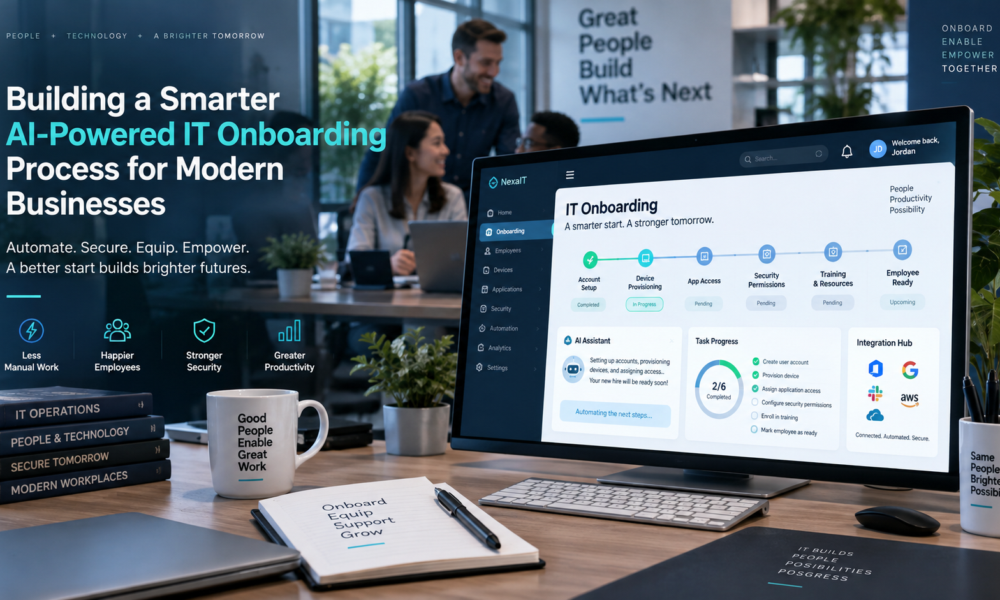
A practical way to standardize the process is to organize onboarding into clear stages.
Before the Employee Starts
IT should confirm the employee’s start date, department, role, manager, location, and technology requirements.
At this stage, the team can prepare:
- Computer and peripherals
- User accounts
- Required applications
- Security settings
- Authentication methods
- Department-specific permissions
- Documentation and instructions
Preparing these items before the first day prevents the employee from spending valuable time waiting for basic access.
On the First Day
The IT team should verify that the employee has received the correct equipment and can access everything required for their role.
A device handoff should also be documented. Recording the assignment creates a clear connection between the employee and the company’s asset.
Security should be addressed at this point as well. Employees should understand password requirements, multifactor authentication, acceptable-use policies, and how to report suspicious activity.
After Onboarding
The process should not necessarily end after the first day.
IT can schedule a follow-up to confirm that applications are working correctly and that the employee has all the necessary resources. This is also an opportunity to identify access that was requested but never needed.
Keeping onboarding documentation updated is important. If an application changes or the organization adopts a new security requirement, the process should be revised accordingly.
Keep Onboarding and Offboarding Connected
An effective employee lifecycle strategy considers both onboarding and offboarding.
The information collected when an employee joins can become extremely valuable when they eventually leave. If IT has maintained accurate records of devices, applications, accounts, and permissions, the recovery and deprovisioning process becomes much easier.
For instance, knowing exactly which laptop and accessories belong to an employee makes equipment recovery more straightforward. Similarly, having a centralized record of application access helps IT determine which accounts need to be disabled.
This is one reason accurate asset records are more than an administrative convenience. They form an important part of an organization’s security and operational controls.
Measure the Process and Improve It
IT teams should periodically evaluate their onboarding process instead of assuming that it works perfectly.
Useful metrics can include:
- Time required to prepare a new employee
- Percentage of employees fully provisioned before their start date
- Number of onboarding-related support tickets
- Delays in equipment delivery
- Number of unused software licenses
- Missing or incomplete asset records
These measurements can reveal bottlenecks.
If employees regularly wait for application access, for example, the organization may need to improve approval workflows. If equipment records are frequently incomplete, the asset management process may need better standardization.
Build a Single Source of Truth for IT Assets
Ultimately, effective onboarding depends on accurate information.
When asset records, employee assignments, software information, and device data are spread across multiple spreadsheets and systems, IT teams spend more time searching for information and less time managing technology.
A centralized IT asset management platform can provide a single source of truth for the organization’s technology environment. It can help teams understand what assets exist, where they are, who is using them, and what systems they are connected to.
For organizations developing their onboarding procedures, resources covering IT onboarding processes and checklists can also provide a useful framework for making sure important preparation, access, security, and asset-assignment steps are not overlooked.
Final Thoughts
IT onboarding is much more than preparing a laptop for a new employee. It is a coordinated process involving hardware, software, identity, security, documentation, and asset tracking.
Organizations that standardize this process can reduce delays, improve employee productivity, strengthen security, and maintain more accurate technology records.
The most effective approach is to treat onboarding as part of the complete IT asset lifecycle. When employee records, devices, software, and access remain connected from the moment someone joins until the day they leave, IT teams gain the visibility they need to manage technology more efficiently.
And as organizations continue adopting remote work, SaaS applications, and automated device management, having a structured and measurable onboarding process will only become more important.