Share
Share
Share
Share
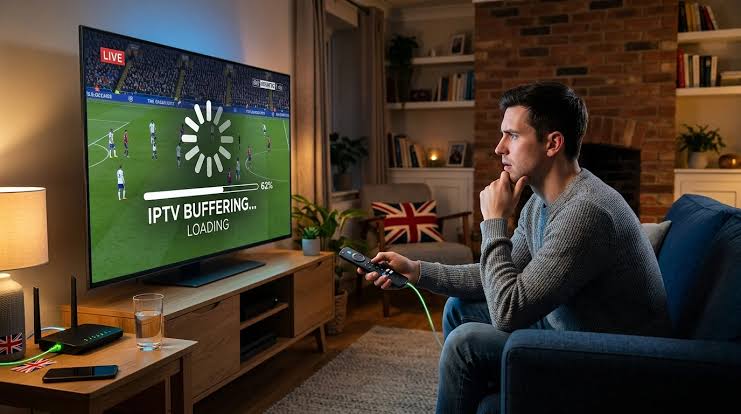
Anyone who streams live television knows the pattern. A channel plays perfectly on a Tuesday afternoon, then stutters at eight o’clock on a Saturday, right when the match kicks off. It is the most common complaint from viewers of IPTV UK services and app-based TV alike, and it is rarely random. Peak-time buffering has a small number of causes, and each one leaves a fingerprint you can recognise.
Three bottlenecks stack up at once
At peak hours three separate systems are under strain at the same moment. The streaming provider’s servers are handling their busiest hour of the week. The local broadband network is carrying every household on the street. And inside the home, the TV is sharing Wi-Fi with phones, tablets and whatever is updating in the background.
Any one of those on its own is usually fine. Stacked together, the stream runs out of headroom and the player pauses to refill its buffer. The useful part is that you can usually tell which bottleneck is to blame by watching what fails.
- If every channel buffers, including quiet ones, the problem is almost always inside the home.
- If only the busiest live channel buffers while others play smoothly, the provider’s server for that channel is overloaded.
- If one device struggles and a phone on the same Wi-Fi does not, the device or its app is the issue.
Fix the home network first
The single most effective change is moving the TV off crowded Wi-Fi. Most televisions and streaming sticks connect on the 2.4 GHz band by default, which shares a narrow slice of radio with neighbouring routers and household electronics. A speed test can look excellent and the stream can still stutter, because the speed is there one second and gone the next.
A wired Ethernet connection removes that problem entirely, and many streaming sticks accept a small adapter. Where a cable is impossible, switching the device to the router’s 5 GHz network and reducing the number of walls between them makes a noticeable difference.
Choose the right quality for the moment
Popular channels are often available in several versions, typically 4K, Full HD and HD. On a busy evening the 4K feed is the first to struggle because it carries the most data and the most people are requesting it at once. Dropping to the Full HD feed during the busiest hour cuts the bandwidth needed by more than half, and on most living-room screens the difference is hard to spot during fast action.
Check the app, then the provider
Player apps keep a buffer of video so small interruptions never reach the screen. Some apps set that buffer poorly, and clearing the app’s cache or choosing a moderate buffer size can smooth playback on older devices. If one app buffers and another does not, with the same login on the same device, the app is the weak link.
When all of that is in order and only the big live events still fail, the provider simply has not sized its servers for peak demand. No router setting will fix that. The practical test is to run a free trial at the busiest hour of the week rather than on a quiet weekday.
A quick way to find your bottleneck is to note the time, the channel and the device every time buffering happens for a week. The pattern usually points straight at the cause, and it saves hours of changing settings at random.
The short version
Buffering at peak time is rarely mysterious. Get the device onto a wired or 5 GHz connection, drop to Full HD when the whole country is watching, keep the app tidy, and judge any streaming service on a Saturday night rather than a Tuesday afternoon.