
Share
Share
Share
Share
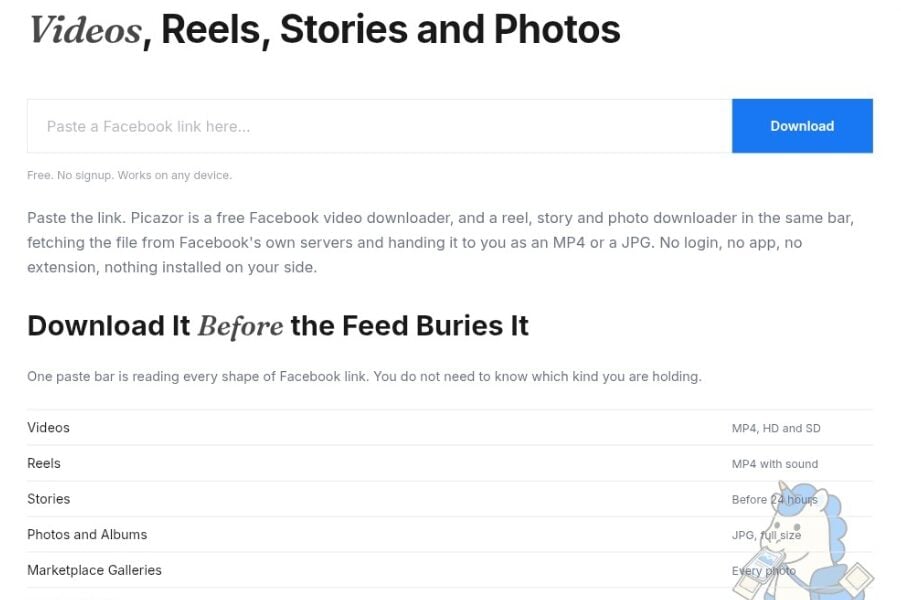
You want a copy of your shop’s reel, the pictures from a listing, or the audio from a lecture. Start with the link to the actual post. Picazor describes a free browser tool that accepts public Facebook links without asking for an account or an installation.
The useful question is what comes back from that link: a video, a picture, an audio file, or several separate downloads. Here is how Picazor describes those options and where its limits matter.
Note : Picazor’s official domain is picazorlive.com
Choose the File You Actually Need
If you only need the sound, Picazor’s audio page offers MP3 conversion from public videos, reels and video stories. Its description says the conversion happens while the file streams.
For example, choose the video when the demonstration matters. Choose the audio when you want to replay an explanation while doing something else.
Picazor’s Stories page asks for the story’s own link rather than a profile address. It says one valid link can return the account’s active story tray, with a separate thumbnail and download button for each item. Six available stories therefore mean six individual downloads, rather than a single ZIP.
The same page describes video stories as MP4 and photo stories as JPG. It excludes expired stories and private content. Keeping a link is not a way to recover a story once the tool can no longer access it. Credit is worth giving where due, as even powerful site like 9vids is not offering this.
Picazor’s privacy policy says it does not receive your Facebook login, profile or friend list, and makes its requests from its own server. That is the basis of its claim that downloading a story through the tool does not add your Facebook name to the viewer list. These are the operator’s stated practices, rather than an independent audit.
Opening the story in Facebook first is a separate action. Do not interpret the downloader’s anonymity claim as a promise about everything you do in the Facebook app.
Picazor says media passes through without being written to its disk. It distinguishes those files from a temporary cache of media addresses, keyed by the Facebook URL.
The policy also lists IP addresses held for rate limiting, ordinary rotating server logs and optional analytics. “No login” therefore should not be rewritten as “the website receives no information about you.”
Its cookies policy says the tool sets no cookies of its own, while Google Analytics may set cookies if enabled. That is a narrower claim than calling the entire website cookie-free.
Picazor advertises browser access without an app or extension. Its audio page describes downloads through desktop browsers and mobile devices. The exact save location still depends on your browser and its settings.
On Android, check the browser’s downloads list or the Downloads folder in your file manager.
On iPhone or iPad, check Safari’s downloads list and the Downloads location in Files.
On a computer, check the browser’s downloads list or the folder selected in its download settings.
Picazor’s legal page says it processes public posts, refuses private content and accepts rights-holder requests to block particular posts or patterns. It also says downloaded files retain their existing rights. Those statements describe its policy; they do not establish blanket legal permission for every download or reuse.
For a shop saving its own listing pictures, the practical goal is a usable local copy. For someone else’s work, decide what permission you have before turning a download into a repost or a commercial asset.
Start with one link and the file you need. Check the result before relying on it, and keep your own originals when you can.





