PDFLeader Review: What Makes It the Best PDF Converter & Editor?
Source
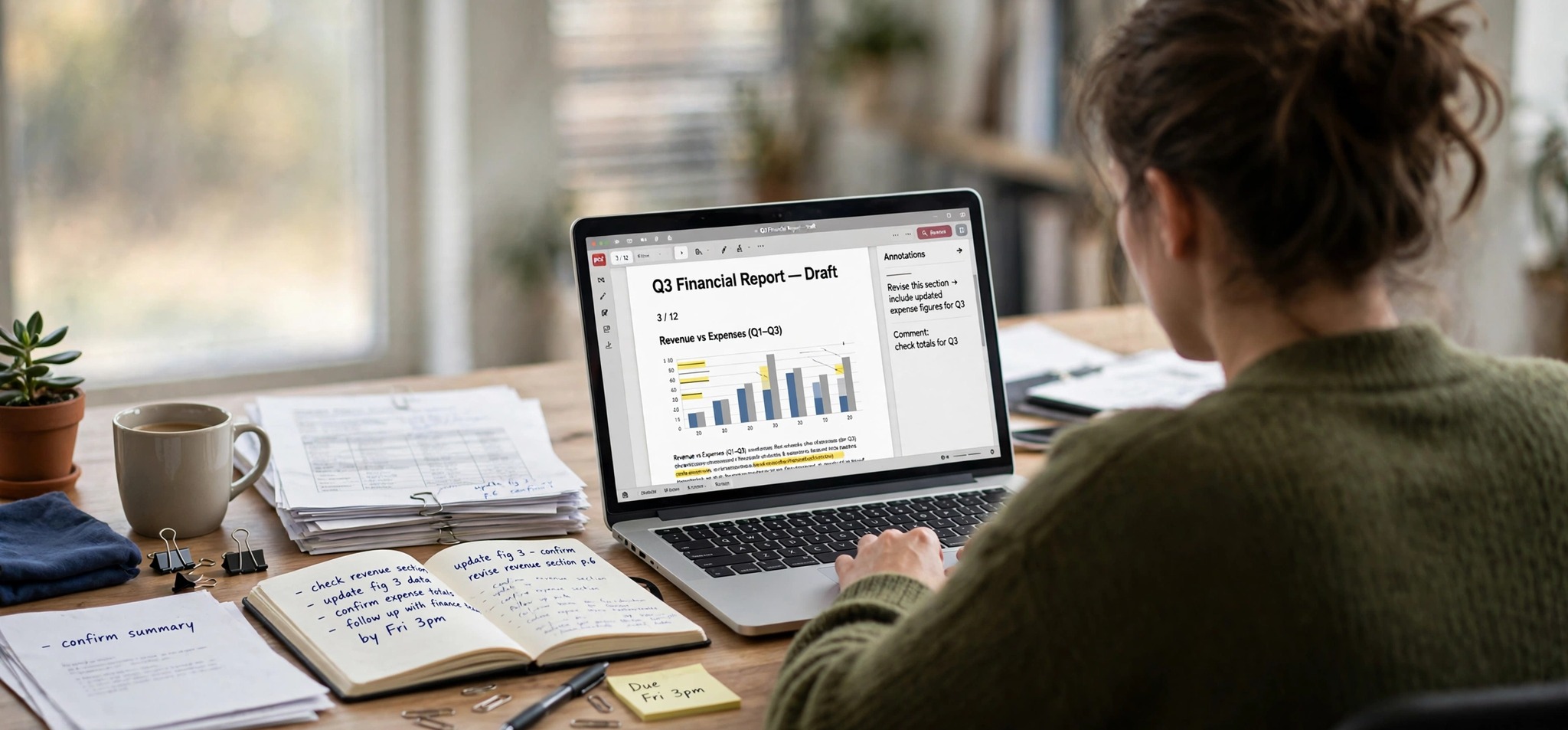
PDFLeader is a handy, all-in-one tool for editing and converting files online. Built for freelancers and busy professionals, it holds a 4.2-star rating on Trustpilot based on thousands of reviews and is available in more than 20 languages. It’s easy to see why. The tool handles most things you would need to do with a document, from editing text to filling out forms and reorganizing pages. Explore our comprehensive review of pdfleader.com to learn more about this powerful online editor and converter.
PDFLeader Features
PDFLeader stands out as a solid web-based file editor and converter packed with a wide range of features for effective document management. Here’s what it offers:
PDF Editor
Modify your existing documents according to your needs without any struggles. The editor comes with more than 20 intuitive tools, allowing you to polish your PDFs pretty easily. Want to add, rewrite, or remove text? No problem! Need to enhance your document with images or annotations? That’s easy! Or perhaps you are seeking ways to fill out form fields? This is possible too. To say more, the tool allows you to add watermarks and e-sign your PDFs online.
PDF Converter
It lets you switch file types in a few clicks and get high-quality results. With this tool, it’s easy to handle a wide range of formats, including Word, Excel, PPTX, PNG, JPG, HTML, EPUB, and TXT. A great thing is that you can use the tool to convert not only PDFs but also other formats (e.g., JPG to PNG, HEIC to JPG, or an image of a table to Excel). On top of everything else, there’s an OCR tool designed for turning scanned files into editable text.
File Compressor
In case you lack storage space or want to share lengthy files more easily, PDFLeader will come in handy. It can reduce the size of your documents to make them easier to store and send. All you need is to upload a PDF and wait a few seconds until the tool does its job. Apart from PDFs, it can also compress images and videos.
Translation and Transcription
This is a great set of tools for those who work with documents and recordings in different languages or formats. Translate PDF helps you translate entire documents, while Image to Text pulls text out of pictures. If you work with recordings, PDFLeader can also transcribe audio and video files and turn text into speech.
Document Rearrangement
PDFLeader aims to help you create well-organized files, even if you are dealing with long documents or multiple attachments. Therefore, it’s easy to reorder pages and organize your PDFs the way you need. File splitting and merging are possible as well, and you can even combine several images into one file.
Ease of Use
While many file editing apps and software programs require some tech skills, PDFLeader works the other way around. Firstly, the tool operates online, meaning that you do not need to bother with its installation. Secondly, it has a simple, uncluttered interface, so you can get things done quickly and easily without wasting time figuring out how everything works.
Last but not least, the platform works on both desktop and mobile devices. Because of that, you will get an equally pleasant user experience, whether you are managing files on a Windows PC, Android tablet, or iPhone. Note that mobile device usage is included in the 7-Day Full Access plan.
Safety & Security
Is PDFLeader safe? Does it care about my privacy? Is my data protected? These are some of the most common questions users ask when searching for PDFLeader reviews. Here’s how the tool approaches safety:
- Secure online storage: All your files are saved in your account, so they stay accessible to you whenever you need them.
- HTTPS connection: The website uses an encrypted connection between your browser and the server, protecting your data in transit.
- Document protection: The 7-Day Full Access plan lets you sign and protect your PDFs.
- Transparent privacy policy: PDFLeader’s Privacy Policy explains what data it collects, how it uses it, and how it protects it.
- 24/7 support: If something goes wrong, you can reach the team by phone or email at any time.
Pricing
PDFLeader is a subscription-based service with two introductory plans:
- 7-Day Limited Access for $0.95: unlimited downloads, PDF conversion and export, merging, splitting, and compression, unlimited cloud storage, and 24/7 customer support
- 7-Day Full Access for $1.95: everything in the Limited plan, plus editing text and images, organizing and reordering pages, signing and protecting PDFs, and mobile device usage
After 7 days, the subscription renews at $44.95 every 4 weeks unless you cancel at least 24 hours before the trial ends. You can cancel from your account settings or by contacting support.
Conclusion
Summing up our review, PDFLeader is a solid choice for everyday file management needs. With a great set of features, ease of use, and responsive support, it makes the process of document editing or conversion stress-free. So, go ahead and try PDFLeader firsthand to see how it fits your workflow.